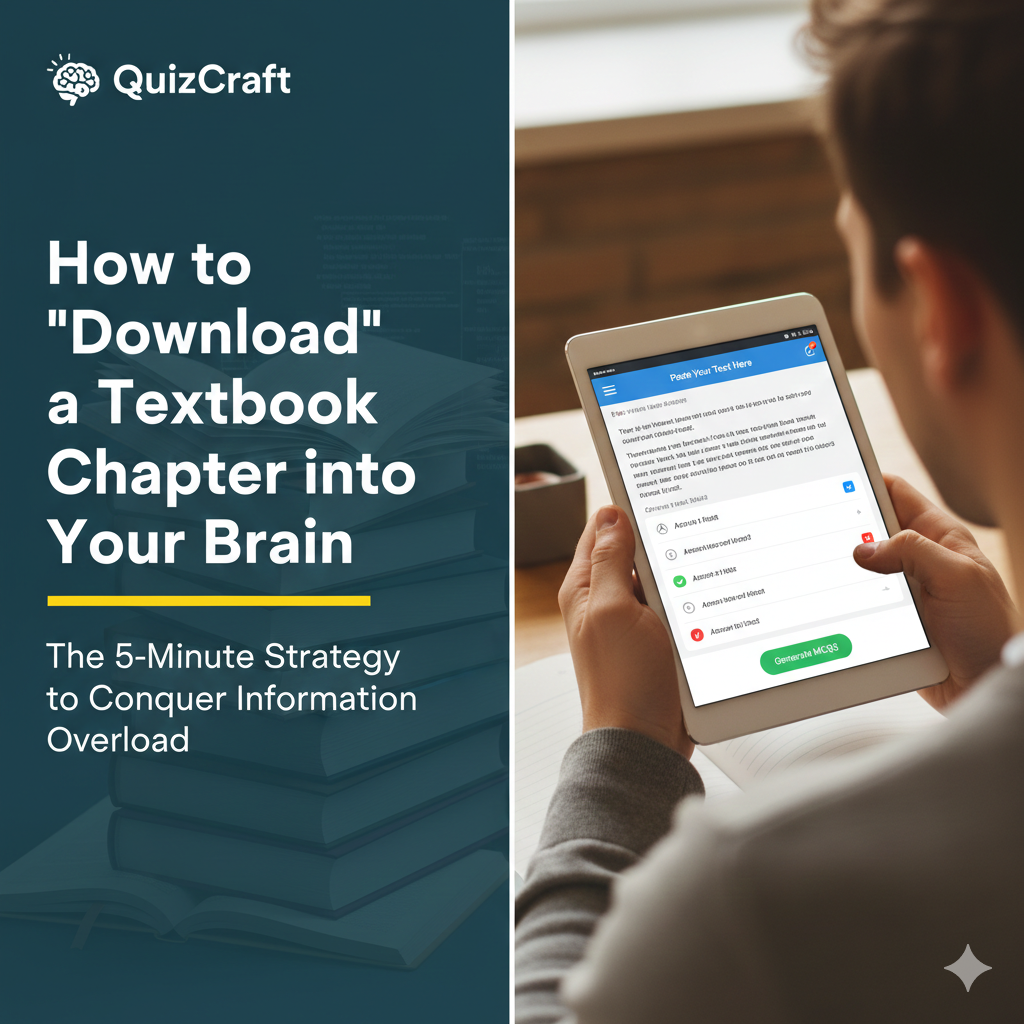
How to "Download" a Textbook Chapter into Your Brain
The 5-Minute Strategy to Conquer Information Overload
Every student has been there: you open a 40-page chapter on Microbiology or International Relations, read for three hours, and then realize you can't recall a single specific fact. Your eyes moved over the words, but your brain didn't "save" the data.
This is "Textbook Fatigue," and it happens because your brain is naturally lazy. If you just read passively, your brain treats the information like background noise. To truly "download" a chapter, you have to turn it into a conversation.
1. The "10-Page Chunk" Rule
Never try to read a whole chapter in one go. Your focus drops significantly after about 20 minutes. Instead, break the chapter into 10-page segments.
The Goal: Don't move to the next 10 pages until you've "cleared" the first 10.
2. Stop Summarizing, Start Interrogating
Most students spend hours writing summaries. Research shows that Summarization is a "Low Utility" study method. It's slow and doesn't force your brain to work.
The Better Way: As you read, look for "Anchor Facts"—the dates, the definitions, and the "Why" behind the arguments.
3. The QuizCraft "Aha!" Moment
This is where technology changes the game. Instead of spending 30 minutes writing a summary of those 10 pages:
- Copy the key passages from your digital textbook or notes.
- Paste them into QuizCraft.
- Generate 10 MCQs immediately.
By quizzing yourself while the information is fresh, you are forcing your brain to build a "Search Index" for that data. If you miss a question, you know exactly which paragraph you didn't understand.
4. Close the Loop
Once you've cleared your 10-page quiz, move on. You've just achieved more in 15 minutes of active recall than most students do in 2 hours of highlighting.
Ready to stop reading and start mastering? Paste your current chapter notes into QuizCraft and see what you actually know.